Pick the model for the job
Compare models Text to imageKinema 3The everyday model. Sharp, fast and true to the prompt.2K · 4 s · 1 credit
 Text to imageKinema 3 UltraMaximum detail for print, billboards and film frames.8K · 9 s · 4 credits
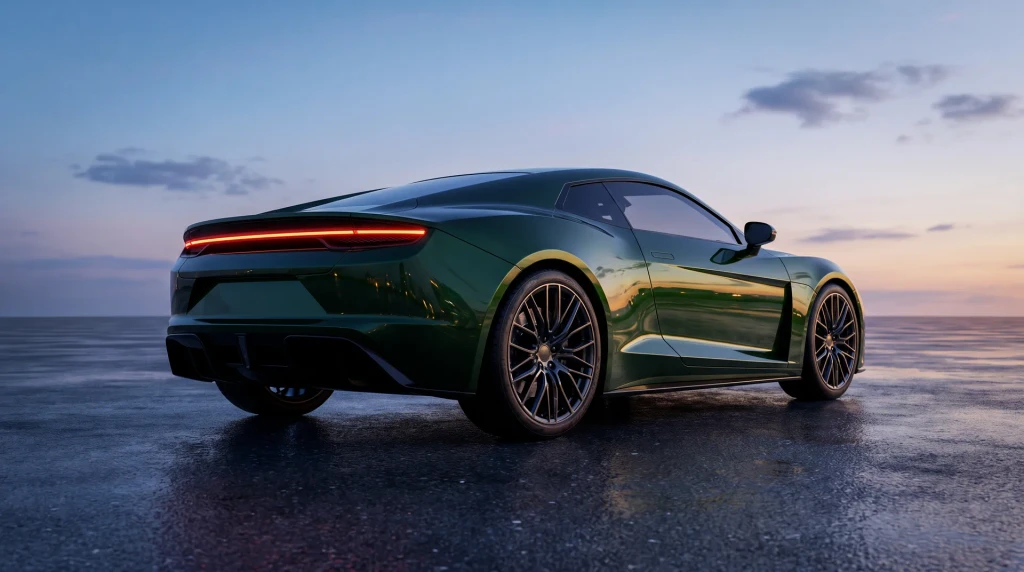 Image to videoKinema MotionTurn a picture or a prompt into a ten second shot.4K · 24 fps · 40 s · 10 credits
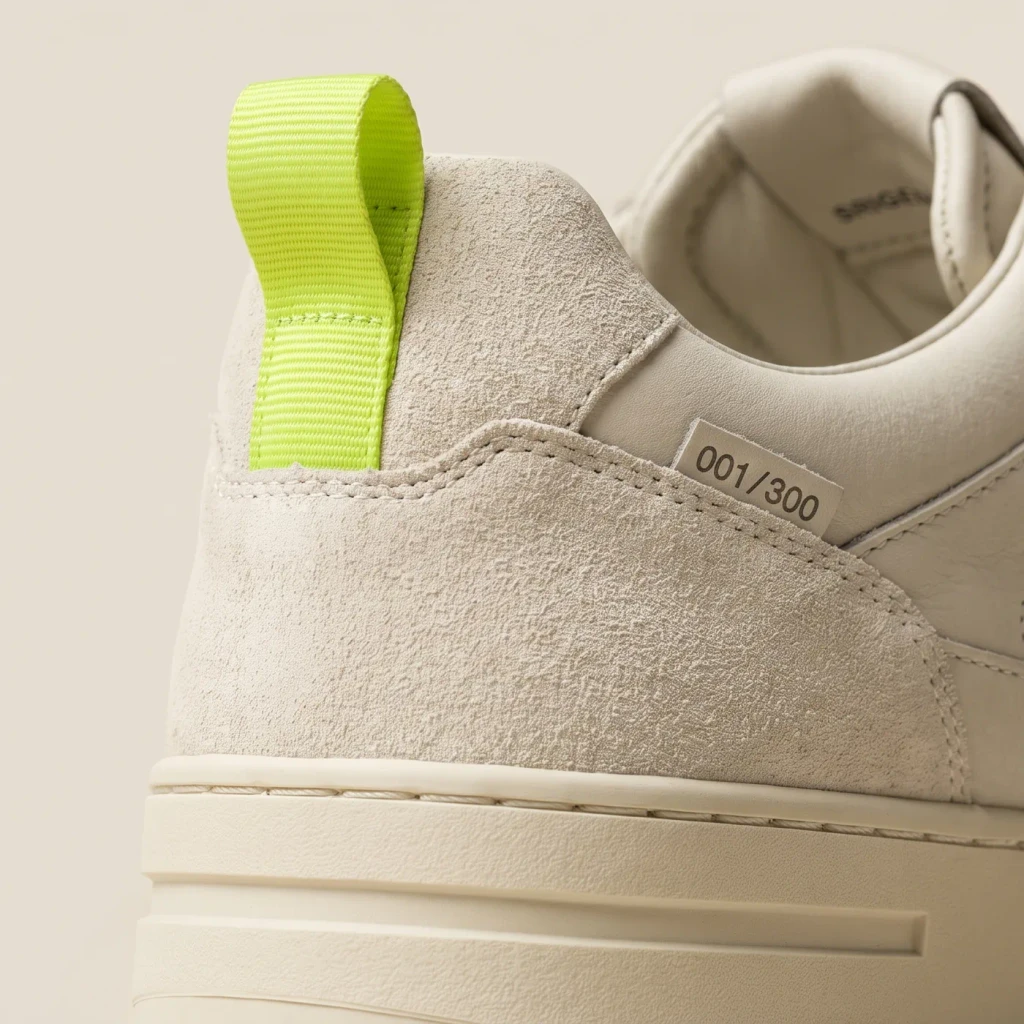 Edit and upscaleKinema EditChange one thing and leave the rest alone.Up to 8K · 3 s · 1 credit
prompt › A dark green sports coupe on wet asphalt at dusk, tail lights glowing, low wide angle, cinematicKinema 3 · 16:9 · seed 48213 · 4.2 sOpen in the galleryKinema
Loading the modelstep 01/28
generating / …
Home
Docs · API v1
Build with Kinema.
One request in, one picture out. Everything in the app is available over the API, with the same models and the same speed.
Base addresshttps://api.kinema.ai/v1
{
  "id": "pic_17760",
  "model": "Kinema 3 Ultra",
  "ratio": "16:9",
  "seed": 17760,
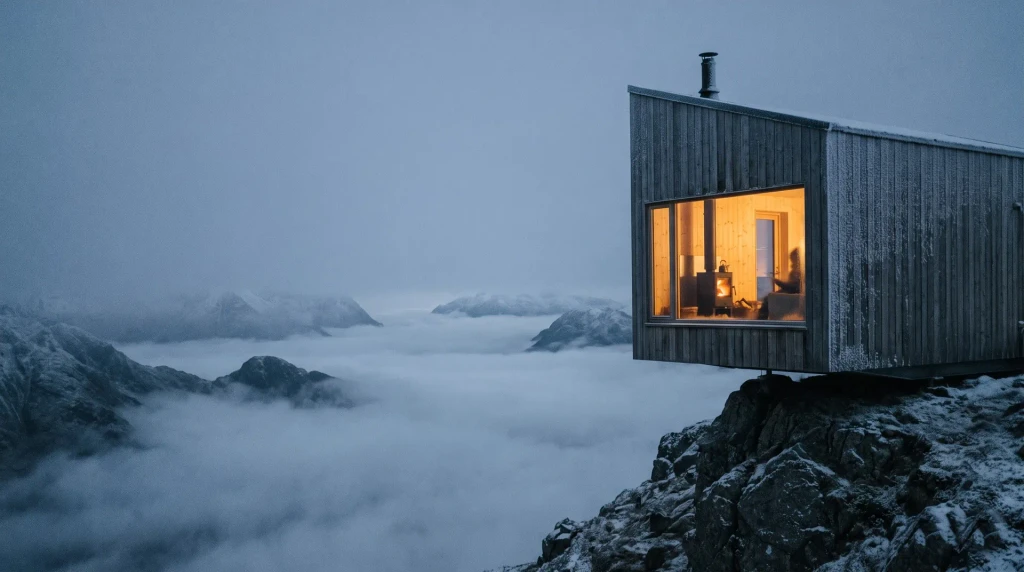
  "url": "https://cdn.kinema.ai/cabin-above-the-clouds.png"
}01Quickstart
Create a key in your account, then send your first request. A picture comes back in about four seconds.
curl https://api.kinema.ai/v1/generate \
  -H "Authorization: Bearer $KINEMA_KEY" \
  -d model="kinema-3" \
  -d ratio="16:9" \
  -d prompt="A timber cabin above a sea of clouds, blue hour"
02Authentication
Every request needs your API key in the Authorization header. Keep keys on your server, never in a browser or an app.
- Create and revoke keys in your account
- Use one key per project
- Rotate a key at any time without downtime
03Generate a picture
Send a prompt, a model and a ratio. The response holds the picture address, the seed and the time it took.
from kinema import Kinema

client = Kinema()
picture = client.generate(
    model="kinema-3",
    prompt="Five perfume bottles on a dark table",
    ratio="16:9",
)
print(picture.url)
04Turn it into video
Pass a picture you made to Motion and choose a camera move. A ten second shot takes about forty seconds.
const shot = await kinema.motion({
  picture: picture.id,
  move: "push-in",
  seconds: 10,
})
05Errors
Errors come back as JSON with a code and a plain message. A 429 means you reached your rate limit: wait a moment and send the request again.
06Endpoints
- POST
/v1/generateCreate a picture from a prompt - POST
/v1/motionTurn a picture into a video shot - POST
/v1/editChange part of a picture - POST
/v1/upscaleUpscale a picture up to 8K - GET
/v1/pictures/{id}Fetch a picture and its settings - GET
/v1/modelsList the models you can use
07Rate limits
- Starter
- 10 requests a minute
- Pro
- 60 requests a minute
- Studio
- 600 requests a minute, priority queue
Stuck on something? We read every message.Write to hello@kinema.ai
Docs · API v1
Build with Kinema.
One request in, one picture out. Everything in the app is available over the API, with the same models and the same speed.
Base addresshttps://api.kinema.ai/v1
{
  "id": "pic_17760",
  "model": "Kinema 3 Ultra",
  "ratio": "16:9",
  "seed": 17760,
  "url": "https://cdn.kinema.ai/cabin-above-the-clouds.png"
}01Quickstart
Create a key in your account, then send your first request. A picture comes back in about four seconds.
curl https://api.kinema.ai/v1/generate \
  -H "Authorization: Bearer $KINEMA_KEY" \
  -d model="kinema-3" \
  -d ratio="16:9" \
  -d prompt="A timber cabin above a sea of clouds, blue hour"
02Authentication
Every request needs your API key in the Authorization header. Keep keys on your server, never in a browser or an app.
- Create and revoke keys in your account
- Use one key per project
- Rotate a key at any time without downtime
03Generate a picture
Send a prompt, a model and a ratio. The response holds the picture address, the seed and the time it took.
from kinema import Kinema

client = Kinema()
picture = client.generate(
    model="kinema-3",
    prompt="Five perfume bottles on a dark table",
    ratio="16:9",
)
print(picture.url)
04Turn it into video
Pass a picture you made to Motion and choose a camera move. A ten second shot takes about forty seconds.
const shot = await kinema.motion({
  picture: picture.id,
  move: "push-in",
  seconds: 10,
})
05Errors
Errors come back as JSON with a code and a plain message. A 429 means you reached your rate limit: wait a moment and send the request again.
06Endpoints
- POST
/v1/generateCreate a picture from a prompt - POST
/v1/motionTurn a picture into a video shot - POST
/v1/editChange part of a picture - POST
/v1/upscaleUpscale a picture up to 8K - GET
/v1/pictures/{id}Fetch a picture and its settings - GET
/v1/modelsList the models you can use
07Rate limits
- Starter
- 10 requests a minute
- Pro
- 60 requests a minute
- Studio
- 600 requests a minute, priority queue
Stuck on something? We read every message.Write to hello@kinema.ai
Docs · API v1
Build with Kinema.
One request in, one picture out. Everything in the app is available over the API, with the same models and the same speed.
Base addresshttps://api.kinema.ai/v1
{
  "id": "pic_17760",
  "model": "Kinema 3 Ultra",
  "ratio": "16:9",
  "seed": 17760,
  "url": "https://cdn.kinema.ai/cabin-above-the-clouds.png"
}01Quickstart
Create a key in your account, then send your first request. A picture comes back in about four seconds.
curl https://api.kinema.ai/v1/generate \
  -H "Authorization: Bearer $KINEMA_KEY" \
  -d model="kinema-3" \
  -d ratio="16:9" \
  -d prompt="A timber cabin above a sea of clouds, blue hour"
02Authentication
Every request needs your API key in the Authorization header. Keep keys on your server, never in a browser or an app.
- Create and revoke keys in your account
- Use one key per project
- Rotate a key at any time without downtime
03Generate a picture
Send a prompt, a model and a ratio. The response holds the picture address, the seed and the time it took.
from kinema import Kinema

client = Kinema()
picture = client.generate(
    model="kinema-3",
    prompt="Five perfume bottles on a dark table",
    ratio="16:9",
)
print(picture.url)
04Turn it into video
Pass a picture you made to Motion and choose a camera move. A ten second shot takes about forty seconds.
const shot = await kinema.motion({
  picture: picture.id,
  move: "push-in",
  seconds: 10,
})
05Errors
Errors come back as JSON with a code and a plain message. A 429 means you reached your rate limit: wait a moment and send the request again.
06Endpoints
- POST
/v1/generateCreate a picture from a prompt - POST
/v1/motionTurn a picture into a video shot - POST
/v1/editChange part of a picture - POST
/v1/upscaleUpscale a picture up to 8K - GET
/v1/pictures/{id}Fetch a picture and its settings - GET
/v1/modelsList the models you can use
07Rate limits
- Starter
- 10 requests a minute
- Pro
- 60 requests a minute
- Studio
- 600 requests a minute, priority queue
Stuck on something? We read every message.Write to hello@kinema.ai